 GrabNear
Billable Hours & Invoices by GrabNear
A Chrome extension that turns the meetings already in your calendar into a timesheet of billable hours, and then into invoices your clients can pay.
Add to Chrome, it’s freeWorks with Google Calendar, Outlook and any calendar with an iCal link. No GrabNear account needed.
From meetings to an invoice in minutes
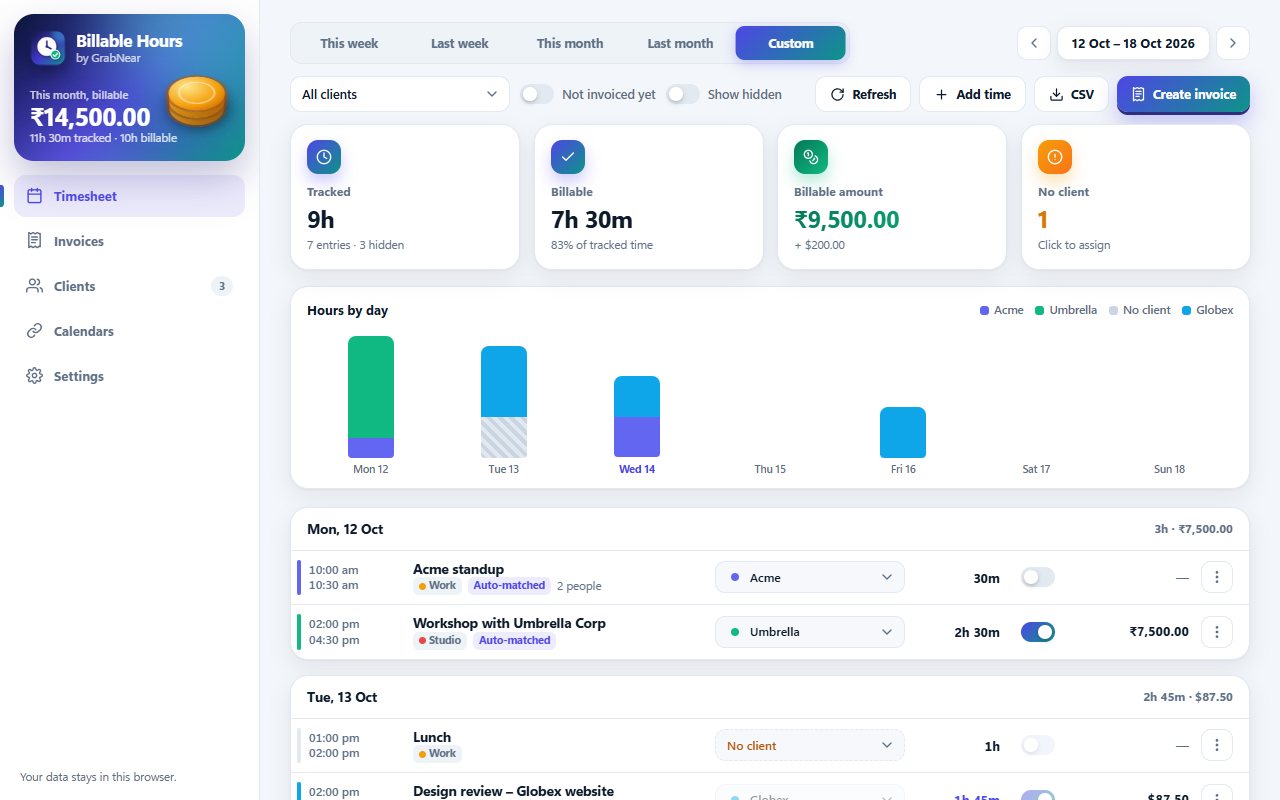
Connect your calendar once. Billable Hours reads your meetings, works out the hours, matches each one to a client, and builds the invoice.
Sign in with Google or Microsoft, or paste a private calendar link. Repeating, moved and cancelled meetings and time zones are handled for you.
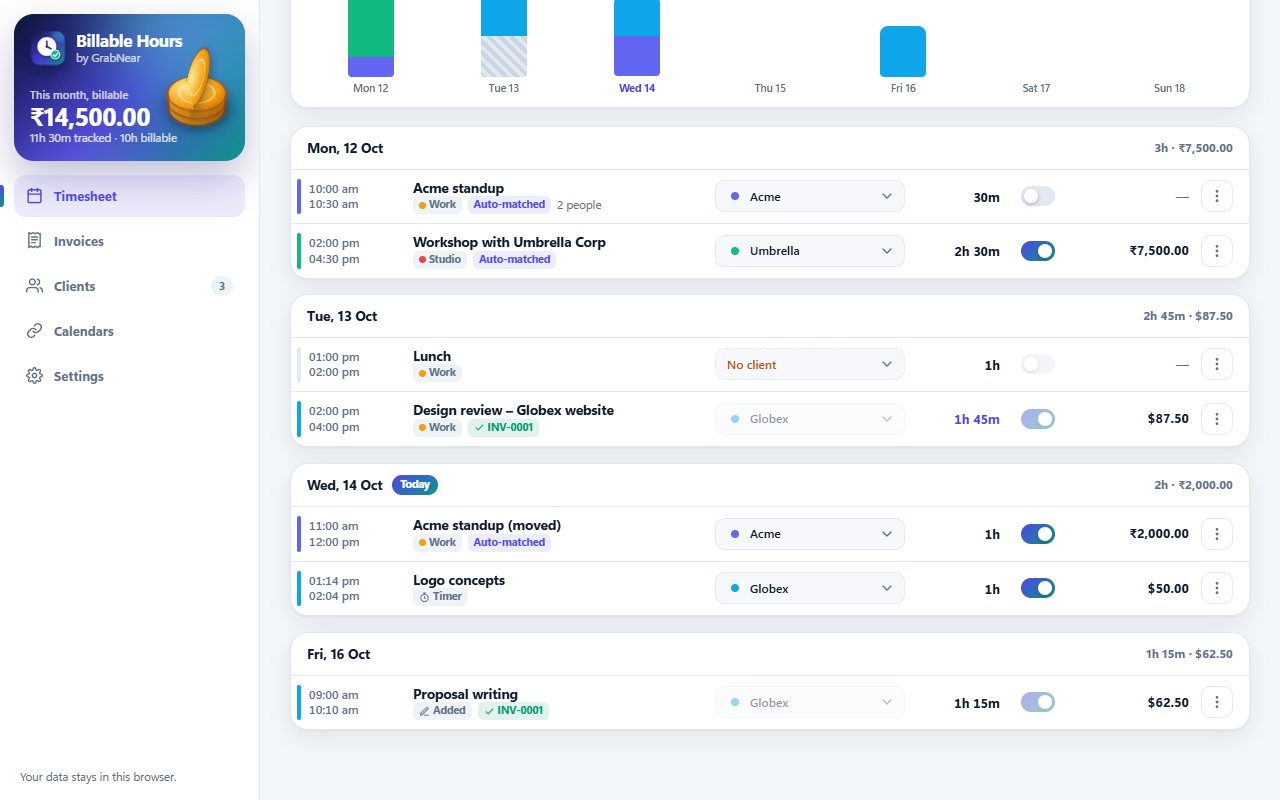
Set an hourly rate, currency and tax for each client. Meetings are matched by the email domain of the people invited, or a word in the title.
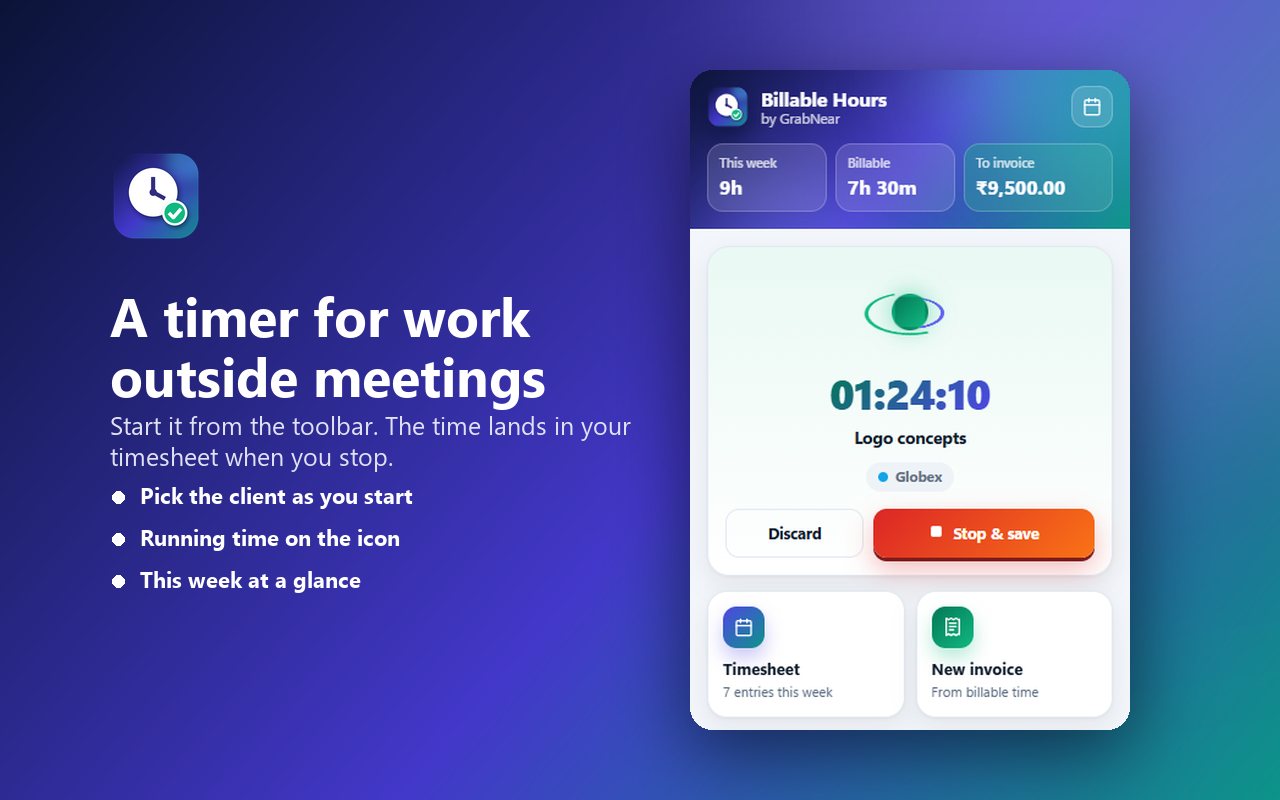
Start a timer from the toolbar for work outside meetings, or add time by hand.
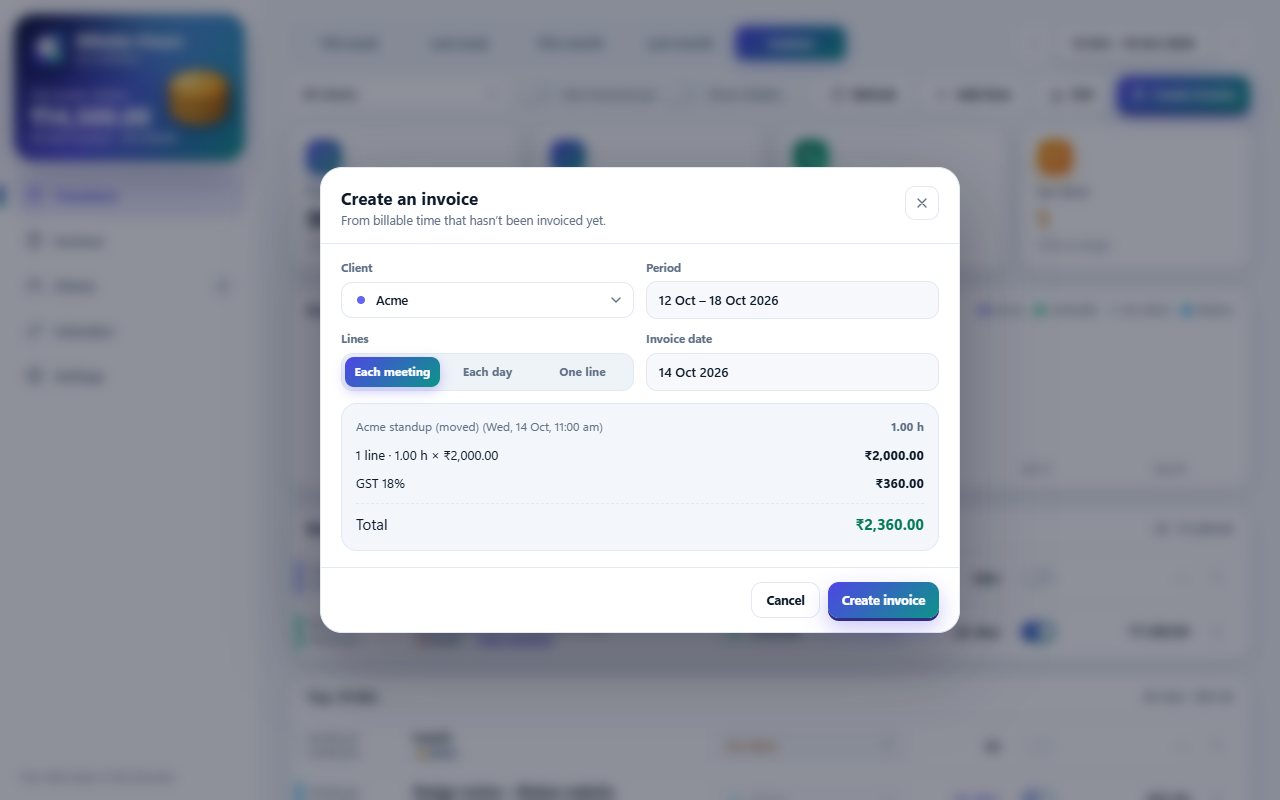
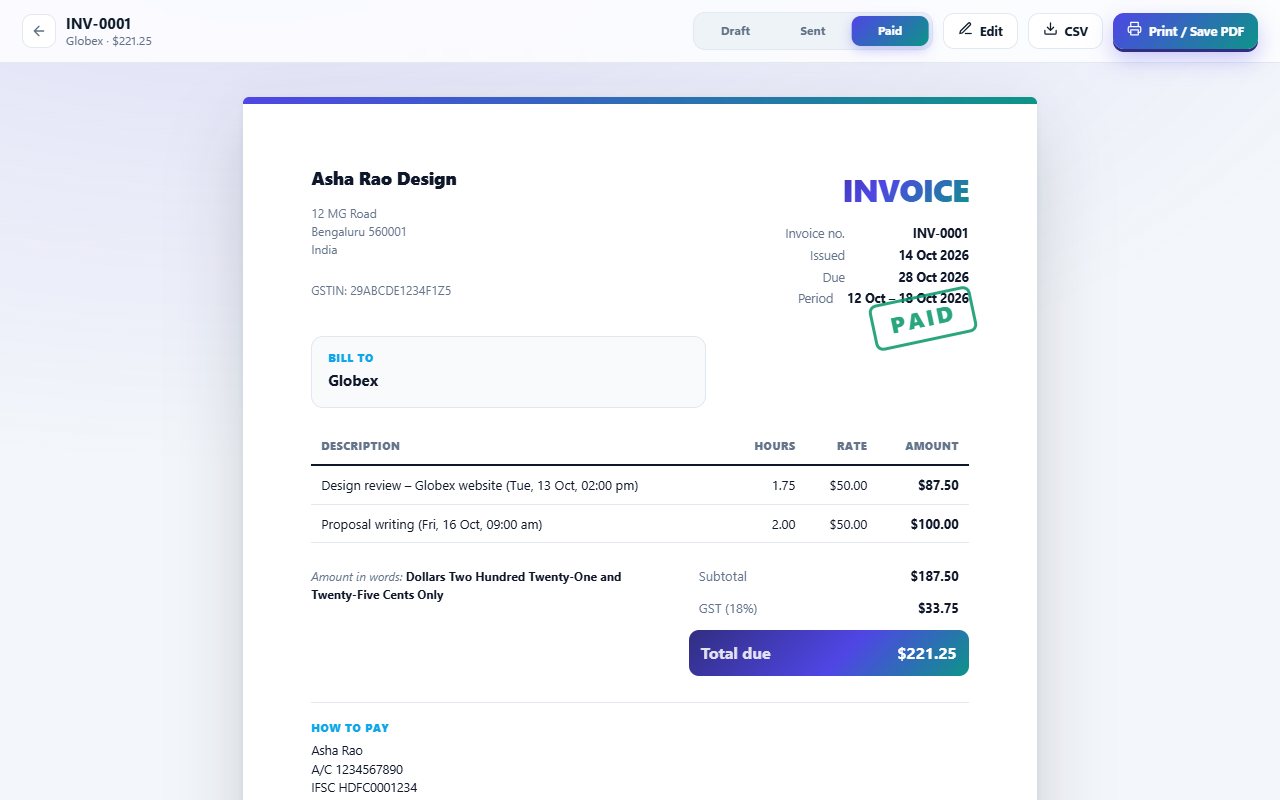
Your logo and tax number, lines per meeting or per day, tax and discount, amount in words, and a QR code so clients can pay by scanning.
Time on an invoice is locked. Pick exactly which meetings go on each invoice.
This week, this month or any range, hours by day, totals by currency, CSV export, and print or save invoices as PDF.
See it in action
Screens from the extension.
Your data stays with you
Billable Hours is built so your calendar never leaves your browser.
- Only the calendars you choose, with read-only access: meeting titles, times, location and invited email addresses.
- It never creates, changes or deletes anything in your calendar.
- Google:
calendar.readonly. Microsoft:Calendars.Read.
- Straight from Google or Microsoft to your browser, and stored only on your device.
- Never sent to GrabNear or anyone else, never sold, never used for ads or AI training.
- Remove a calendar in the extension to sign out, or revoke access in your Google or Microsoft account at any time.
Billable Hours & Invoices’ use and transfer of information received from Google APIs adheres to the Google API Services User Data Policy, including the Limited Use requirements. Read the full privacy policy.